
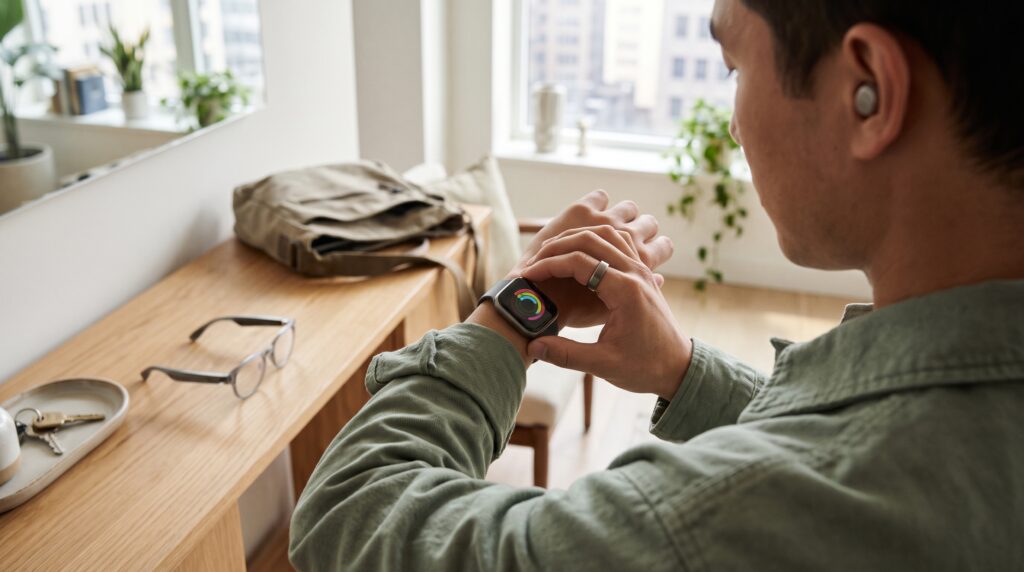
Wearable technology trends are bringing connected gadgets into more parts of everyday life, from morning workouts and overnight sleep tracking to hands-free conversations. Watches, rings, and glasses now offer different ways to access information without constantly reaching for a phone. For consumers, the challenge is understanding which features provide useful support and which simply add another notification.
The developments below highlight directions visible in current products and software, rather than predictions that every device will adopt. Features vary by model, phone compatibility, subscription, and location. Understanding those differences makes it easier to choose technology that fits your routine.
1. Wearable Technology Trends Bring Tracking to Smart Rings
Smart rings offer an alternative for people who want health and activity information without wearing another screen. Oura, for example, combines sleep, activity, and other wellness insights in a ring connected to a smartphone app.
The appeal is straightforward: you can wear a conventional watch or leave your wrist free while collecting information in the background. A ring also keeps notifications away from your hand, which may suit people seeking fewer distractions.
Fit deserves careful attention. Before buying, check sizing instructions, comfort during daily activities, and whether your preferred features require membership. A discreet device is useful only if you can comfortably wear it consistently.
2. Wearable Technology Trends Make Sleep Data Easier to Read
Sleep tracking is moving beyond a list of overnight measurements toward summaries consumers can interpret more quickly. Apple’s sleep score, for instance, brings estimated sleep duration, bedtime consistency, and interruptions into one rating.
This approach gives users a starting point for noticing patterns. You might compare nights before early meetings with weekends or review whether your bedtime has become less consistent.
However, a score is a simplified interpretation of estimated data. Consider how you feel alongside what the app reports. Looking at several nights can be more informative than reacting to a single disappointing number.
For shoppers, a clear explanation of the score matters as much as the score itself.
3. AI Makes Wearable Insights More Conversational
Among wearable technology trends, AI-assisted explanations are changing how people interact with their data. Instead of navigating multiple charts, users can ask questions or explore summaries in a conversational format.
Oura Advisor is one example, offering an AI interface for discussing longer-term patterns in information such as sleep, activity, and readiness.
The potential benefit is easier access to information already collected by the device. A consumer could use this approach to explore how their recorded routines differ across several weeks.
Treat generated explanations as interpretations that need context. Check whether an answer identifies the underlying measurements and acknowledges uncertainty. A confident response is less useful when it does not explain what evidence supports it.
4. Wearable Technology Trends Personalize Workout Feedback
Workout guidance is becoming more responsive to individual activity history. Apple’s Workout Buddy, for example, provides personalized feedback involving measures such as pace, distance, and workout duration.
This gives consumers another way to follow a session without repeatedly checking a display. Spoken feedback may appeal to someone who wants occasional progress updates while walking or running.
The practical question is whether the guidance matches your preferences. Some people enjoy encouragement throughout a session, others want only essential information.
Before choosing a device, check supported activities, headphone requirements, language availability, and compatible phones. Also look for controls that let you adjust how frequently it speaks. Personalized feedback should support your workout rather than interrupt it.
Also Read: Smart Technology Devices for a More Connected Home
5. Smart Glasses Add Hands-Free Everyday Features
Smart glasses extend wearable devices beyond the wrist and finger. Depending on the model, available functions include calls, audio playback, photography, voice assistance, and translation. Camera-equipped Ray-Ban Meta models demonstrate several of these capabilities.
For consumers, the useful question is which task becomes easier. Hands-free audio may help during everyday activities, while quick photography could appeal to someone documenting a trip.
These wearable technology trends also introduce different buying considerations. Eyewear must suit your face, prescription needs, and comfort preferences.
Do not assume every pair includes an in-lens display. Check the exact model, how information reaches you, and which functions depend on a connected phone. Similar-looking glasses can provide very different experiences.
6. Wearable Technology Trends Support Live Translation
Translation is becoming a practical wearable feature, particularly through smart glasses. Meta provides live translation on supported devices, with availability and offline capabilities depending on the language and setup.
The attraction is the possibility of following parts of a conversation without repeatedly holding up a phone. That could make everyday travel interactions more convenient.
Before relying on the feature, check the exact languages supported by your device. Also confirm whether downloads, an internet connection, or specific app settings are required.
Test it in a low-pressure situation first. Understanding how to start, stop, and repeat a translation is more useful than discovering the controls during an important exchange. Keep another communication option available when accuracy matters.
7. Recovery Insights Expand the Focus Beyond Exercise
Wearable technology trends increasingly include information about recovery and daily energy alongside workout statistics. Garmin’s Body Battery, for example, combines signals involving heart rate variability, stress, sleep, and activity to estimate energy reserves.
This broadens the conversation beyond how far or how fast you exercised. It encourages users to consider rest and the cumulative demands of everyday routines.
The most useful approach is to look for repeated patterns. Compare the estimate with your own experience and note circumstances that might explain a change.
Avoid treating an energy score as a requirement to exercise or rest. It is one piece of information, and its usefulness depends partly on consistent wear and the quality of the recorded data.
8. Battery Endurance Becomes Part of Everyday Usability
Battery specifications deserve attention because wearables often need to function across several routines. A device used for daytime activities and overnight tracking must leave room somewhere for charging.
Garmin’s published specifications illustrate how runtime changes with usage: smartwatch mode, continuous GPS, and GPS with music can have substantially different battery estimates.
When evaluating wearable technology trends, compare battery claims against how you will actually use the device. An advertised maximum may describe settings that differ from your preferences.
Think about a realistic charging window, such as showering or working at a desk. For travel, consider charging accessories and access to power. A manageable charging routine may matter more than the largest headline battery number.
Also Read: Smart Healthcare Technology for Safer and More Connected Care
9. Safety Features Add Another Reason to Wear a Watch
Wearables are also being positioned as tools for requesting assistance. Apple Watch Fall Detection can initiate an emergency response process after detecting a hard fall, subject to its settings, supported hardware, and connectivity conditions.
That makes setup an essential part of the experience. Buying a supported watch does not automatically mean every safety feature is ready for your circumstances.
Review emergency contacts, relevant settings, and regional availability. Understand what depends on a nearby phone or another connection.
These wearable technology trends may provide additional reassurance, but automated detection can miss events. Choose a device with a clear explanation of its capabilities and limitations, and make sure the person wearing it understands how to request help manually.
10. Wearable Technology Trends Connect More Apps and Services
Wearable information increasingly extends beyond a single app. Oura supports partner integrations, including connections with platforms such as Apple Health and Android Health Connect, although some integrations require an active membership.
Connected services can make information easier to use across a routine. However, every additional connection deserves consideration.
Check which information an integration requests and whether that access serves a purpose you actually want. Oura’s documentation provides controls for managing connected integrations and revoking access.
Privacy controls and ongoing costs therefore belong in the buying decision. Calculate the device price alongside any membership needed for your preferred experience. Then review what remains available if you stop subscribing.
How to Choose Wearable Technology for Your Routine
Understanding wearable technology trends is useful, but choosing a device starts with your own needs. Pick two or three priorities before comparing long feature lists.
Match Wearable Features to Everyday Tasks
Describe the outcome you want in plain language. Perhaps you want easier workout updates, a clearer view of sleep patterns, or convenient hands-free calls.
Then check whether a candidate device performs those tasks with your existing phone. An impressive feature has limited value if it requires equipment you do not own or settings you would rather avoid.
Check Comfort and Ongoing Costs
Consider the physical experience as carefully as the software. Examine sizing, weight, fastening methods, and any available trial or return arrangements.
Review membership requirements and replacement accessories, too. Your first-year budget should reflect the experience you intend to use, rather than the hardware price alone.
Choose Information You Will Actually Use
More measurements do not automatically create a better routine. Look for explanations you understand and controls that let you reduce unnecessary alerts.
Ask yourself what you would do differently after seeing the information. If you cannot identify a useful response, that feature may be less important than it first appears.
Also Read: Education Technology Guide for Better Teaching and Learning
Conclusion – Make Wearable Technology Fit Your Life
The most relevant wearable technology trends bring information closer to everyday decisions while offering different ways to access it. Rings emphasize discretion, glasses introduce hands-free interaction, and watches combine activity tools with broader daily functions.
Start with one clear purpose and judge the device against that need. Comfort, compatibility, understandable insights, and manageable costs all contribute to long-term usefulness.
A wearable earns its place when you can explain how it helps your day and feel comfortable with what it asks in return.
For high-quality fonts to boost your income, check out Letter Crafted. Our professional fonts are perfect for branding, marketing, and content creation. So, don’t miss this opportunity.