
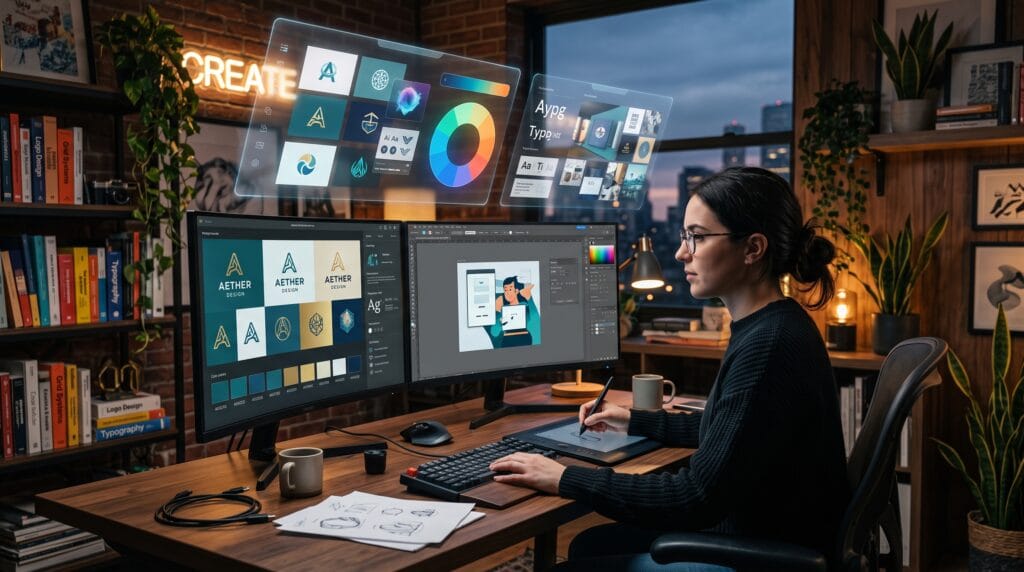
Artificial intelligence is transforming the creative industry by helping designers work faster, generate fresh ideas, and automate repetitive tasks. Today’s AI graphic design tools can generate images, remove backgrounds, create layouts, enhance photos, write marketing copy, and even suggest complete branding concepts within seconds. Rather than replacing designers, these tools act as creative assistants that improve productivity while allowing professionals to focus on strategy and originality.
Whether you’re a freelance graphic designer, creative agency, marketer, entrepreneur, or content creator, AI-powered design software can significantly improve your workflow. This guide explores the best AI graphic design tools, their features, advantages, and how to integrate them into your creative process.
Why AI Is Changing Graphic Design
Artificial intelligence helps designers by automating repetitive work while accelerating creative exploration.
Key benefits include:
- Faster design workflows
- Improved productivity
- Rapid concept generation
- Better image editing
- Enhanced creativity
- Lower production costs
- Easier collaboration
The goal is to give designers more time for creative thinking and problem-solving.
What Are AI Graphic Design Tools?
AI graphic design tools use machine learning and generative AI to assist with design tasks such as:
- Image generation
- Logo creation
- Background removal
- Typography suggestions
- Color palette generation
- Layout design
- Photo enhancement
- Marketing asset creation
- Brand identity development
These tools simplify complex tasks while supporting professional-quality results.
1. Adobe Firefly
Adobe Firefly integrates generative AI directly into Adobe’s creative ecosystem.
Key features:
- Text-to-image generation
- Generative Fill
- Text effects
- Vector recoloring
- Background replacement
Best for:
- Professional designers
- Photoshop users
- Illustrator workflows
2. Canva AI (Magic Studio)
Canva combines user-friendly design with powerful AI features.
Popular tools include:
Ideal for:
- Social media graphics
- Marketing materials
- Presentations
- Small businesses
3. Midjourney
Midjourney is widely recognized for producing artistic, high-quality AI-generated images.
Best uses:
- Concept art
- Branding inspiration
- Advertising visuals
- Creative illustrations
- Mood boards
Its distinctive visual style makes it popular among creative professionals.
4. DALL·E
DALL·E generates images from natural language prompts.
Applications include:
- Marketing visuals
- Product mockups
- Editorial illustrations
- Storyboarding
- Creative brainstorming
It excels at rapidly exploring visual concepts.
5. Figma AI
Figma AI enhances collaborative interface and product design.
Features include:
- AI-generated layouts
- Content suggestions
- Auto organization
- Design optimization
Perfect for:
- UI/UX designers
- Product teams
- Collaborative workflows
6. Microsoft Designer
Microsoft Designer uses AI to create polished marketing assets quickly.
Create:
- Social media graphics
- Invitations
- Advertisements
- Promotional banners
- Marketing campaigns
Its intuitive interface makes it accessible to beginners.
7. Looka
Looka specializes in AI-powered brand identity creation.
Generate:
- Logos
- Brand kits
- Business cards
- Social media assets
- Brand guidelines
Great for startups and entrepreneurs.
8. Remove.bg
A simple but powerful AI tool that automatically removes image backgrounds.
Useful for:
- Product photography
- Marketing graphics
- E-commerce listings
- Portrait editing
It saves significant editing time.
9. Leonardo AI
Leonardo AI offers advanced image generation with creative control.
Popular for:
- Game assets
- Character design
- Product concepts
- Digital artwork
- Creative prototypes
Designers appreciate its customization options.
10. Khroma
Khroma helps designers discover harmonious color combinations using AI.
Benefits include:
- Personalized palettes
- Color inspiration
- Accessibility considerations
- Brand color development
Choosing effective colors becomes faster and more consistent.
Also Read: 20+ Modern Graphic Design Styles Designers Use Now
AI Tools by Design Task
| Design Task | Recommended AI Tool |
|---|---|
| Image Generation | Midjourney, DALL·E, Leonardo AI |
| Photo Editing | Adobe Firefly, Canva AI |
| Logo Design | Looka |
| UI/UX Design | Figma AI |
| Background Removal | Remove.bg |
| Marketing Graphics | Canva AI, Microsoft Designer |
| Brand Colors | Khroma |
| Presentation Design | Canva AI, Microsoft Designer |
Selecting the right tool depends on your workflow and project goals.
How AI Improves a Designer’s Workflow
AI supports each stage of the creative process.
1. Research & Inspiration
Use AI to:
- Explore visual styles
- Generate mood boards
- Create concept sketches
- Discover color palettes
2. Design Production
AI accelerates:
- Layout creation
- Image editing
- Asset generation
- Typography suggestions
3. Final Delivery
AI assists with:
- Image upscaling
- Background cleanup
- Export optimization
- Content resizing
This allows designers to spend more time refining ideas rather than repeating manual tasks.
Benefits of Using AI Graphic Design Tools
Advantages include:
- Faster project completion
- Increased creative experimentation
- Improved consistency
- Better collaboration
- Reduced repetitive work
- Cost savings
- Higher productivity
AI acts as an assistant, not a replacement for skilled designers.
Challenges and Limitations
While AI offers many benefits, designers should be aware of its limitations.
Common challenges include:
- Generic outputs without refinement
- Copyright and licensing considerations
- Inconsistent results
- Limited creative judgment
- Dependence on prompt quality
- Need for human review
Professional oversight remains essential for high-quality work.
Also Read: 25 Graphic Design Tools for Beginners That Make Simple
Best Practices for Designers Using AI
Follow these guidelines:
- Use AI for ideation, not imitation.
- Refine AI-generated designs with your own expertise.
- Maintain a consistent brand identity.
- Verify licensing before commercial use.
- Combine multiple AI tools for better results.
- Keep learning as AI capabilities evolve.
- Prioritize originality and ethical design practices.
A balanced workflow combines AI efficiency with human creativity.
Recommended Creative Workflow
- Research client goals.
- Generate ideas using AI.
- Create mood boards.
- Design initial concepts.
- Refine manually.
- Review typography and branding.
- Gather client feedback.
- Finalize and export assets.
This approach keeps designers in control while leveraging AI where it adds value.
Pros and Cons of AI Graphic Design Tools
| Pros | Cons |
| Speeds up design workflows | Results may require refinement |
| Generates creative ideas quickly | Quality depends on prompt accuracy |
| Automates repetitive tasks | Some tools require paid subscriptions |
| Enhances productivity | Licensing rules vary by platform |
| Supports rapid prototyping | Human creativity remains essential |
Frequently Asked Questions of AI Graphic Design Tools
1. Are AI graphic design tools replacing designers?
No. AI is designed to assist designers by automating repetitive tasks and accelerating idea generation. Human creativity, strategic thinking, and design judgment remain essential.
2. Which AI tool is best for beginners?
Canva AI and Microsoft Designer are excellent starting points because they combine intuitive interfaces with powerful AI-assisted features.
3. Can professionals use AI-generated designs?
Yes. Many professionals use AI to create concepts, generate visuals, edit images, and speed up production. Most projects still benefit from manual refinement before delivery.
4. Are AI-generated images suitable for commercial use?
Usage rights vary by platform. Always review the licensing terms of the tool you use and ensure compliance before publishing or selling AI-generated content.
AI Design Checklist
- Choose the right AI tool for your project
- Start with a clear creative brief
- Write detailed prompts
- Refine AI-generated results manually
- Maintain brand consistency
- Verify commercial usage rights
- Optimize assets for different platforms
- Gather feedback before publishing
- Keep original source files
- Continue learning new AI capabilities
Also Read: 25 AI Graphic Design Tools for Designers Want Better Results
Conclusion on AI Graphic Design Tools
AI graphic design tools are reshaping the creative industry by helping designers work faster, explore more ideas, and automate repetitive production tasks. From image generation and logo creation to photo editing and brand development, AI enables creative professionals to deliver high-quality work more efficiently than ever before. The most successful designers use AI as a collaborative assistant rather than a replacement, combining advanced technology with human creativity, strategic thinking, and artistic vision. By learning the strengths of each tool and integrating them into a thoughtful workflow, designers can stay competitive and continue producing outstanding visual experiences in an increasingly AI-driven world.
For high-quality fonts to boost your income, check out Letter Crafted. Our professional fonts are perfect for branding, marketing, and content creation. So, don’t miss this opportunity.