
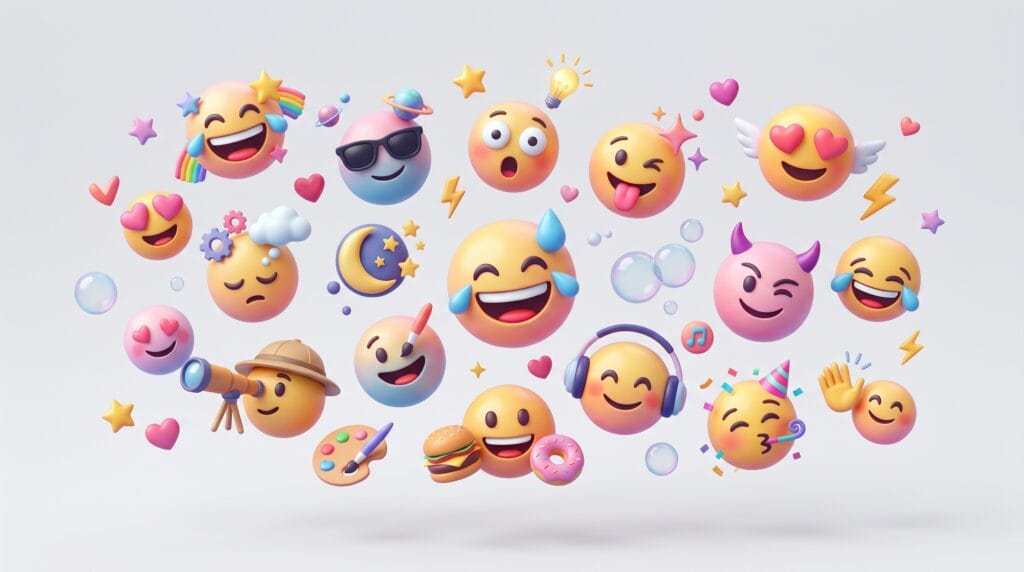
Creating custom emojis has become a creative trend, and using AI emoji creation prompts makes the process faster and more exciting. Instead of relying on standard emoji sets, designers and creators can now use AI emoji creation prompts to generate unique, playful, and expressive emoji designs. Whether you are building a brand, designing stickers, or creating social media content, the right AI emoji creation prompts can help you produce consistent and creative results.
By learning how to write effective AI prompts for emoji design, you can turn simple ideas into polished emoji visuals that stand out.
Why AI Emoji Creation Prompts Matter for Designers
Using AI prompts for emoji design gives you full creative control.
Benefits include:
- Custom emoji styles
- Faster design workflow
- Unique visual identity
- Scalable content creation
With strong AI prompts, you can create emojis that match your brand or project.
AI Emoji Creation Prompts for Classic Emoji Styles
Start with familiar emoji designs.
- “Create a smiling face emoji, clean vector style, bright yellow color, soft shading”
- “Design laughing emoji with tears, rounded shapes, modern emoji style”
- “Create heart emoji, glossy style, smooth gradient, vibrant red color”
- “Design thumbs up emoji, simple 3D style, clean lighting”
- “Create wink emoji, minimal design, soft shadows”
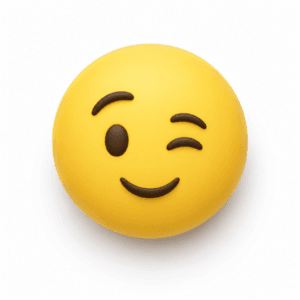 Example Wink Emoji.
Image Source: ChatGPT
These AI prompts for emoji design help you build standard emoji sets.
AI Emoji Creation Prompts for 3D Emoji Designs
3D emojis feel modern and dynamic.
- “Create 3D smile emoji, soft lighting, realistic shadows, glossy texture”
- “Design 3D heart emoji, reflective material, smooth surface”
- “Create 3D laughing emoji, high detail, vibrant colors”
- “Design 3D fire emoji, glowing effect, realistic flame style”
- “Create 3D emoji set, playful style, bright lighting”
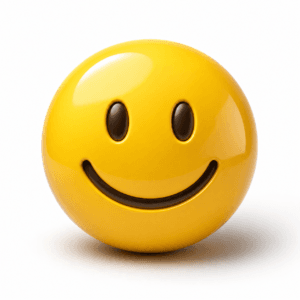 Example 3D Smile Emoji.
Image Source: ChatGPT
These AI prompts for emoji design produce depth and realism.
AI Emoji Creation Prompts for Cute and Kawaii Emojis
Perfect for playful designs.
- “Create kawaii smile emoji, pastel colors, soft shading, cute style”
- “Design cute heart emoji, soft pink tones, rounded shapes”
- “Create kawaii crying emoji, expressive eyes, soft colors”
- “Design adorable emoji set, minimal kawaii style”
- “Create cute star emoji, soft glow, pastel palette”
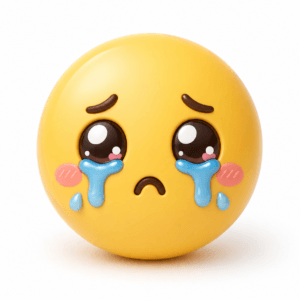 Example Kawaii Crying Emoji.
Image Source: ChatGPT
These AI prompts for emoji design are ideal for aesthetic content.
AI Emoji Creation Prompts for Minimal Emoji Designs
Simple and clean visuals.
- “Create minimal emoji, flat design, simple shapes, clean lines”
- “Design outline emoji, monochrome style, thin stroke”
- “Create flat emoji set, modern minimal style”
- “Design simple icon emoji, clean layout, neutral colors”
- “Create minimal face emoji, basic shapes, soft colors”
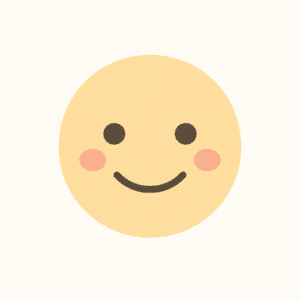 Example Minimal Face Emoji.
Image Source: ChatGPT
These AI prompts for emoji design support modern UI design.
Also Read: Custom Branding Made Easy with Generative AI Emojis
AI Emoji Creation Prompts for Branding and Custom Sets
Create unique brand emojis.
- “Create branded emoji set, custom colors, modern style, consistent design”
- “Design emoji pack for social media brand, playful and bold style”
- “Create emoji icons for mobile app, clean UI style”
- “Design custom emoji set with brand identity colors”
- “Create emoji stickers for messaging app, fun and expressive style”
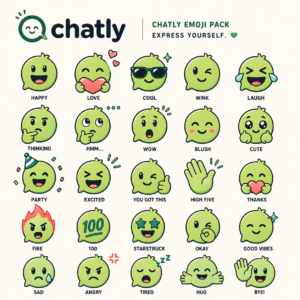 Example Design Custom Emoji Set.
Image Source: ChatGPT
These AI prompts for emoji design help build brand identity.
AI Emoji Creation Prompts for Animated and Dynamic Emojis
Add motion and energy.
- “Create animated smile emoji, subtle bounce motion, smooth animation”
- “Design animated heart emoji, pulsing effect, soft glow”
- “Create laughing emoji animation, expressive movement”
- “Design looping emoji animation, playful style”
- “Create dynamic emoji set, motion-based design”
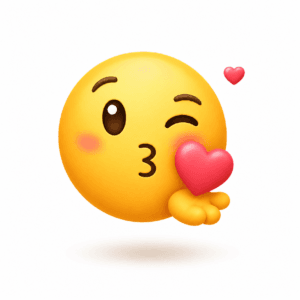 Example Design Looping Emoji Animation.
Image Source: ChatGPT
These AI prompts for emoji design enhance engagement.
AI Emoji Creation Prompts for Meme and Humor Emojis
Perfect for social media.
- “Create funny emoji, exaggerated expression, bold style”
- “Design sarcastic emoji, expressive face, playful tone”
- “Create meme-style emoji, humorous concept, modern design”
- “Design reaction emoji, strong emotions, vibrant colors”
- “Create laughing emoji set, exaggerated cartoon style”
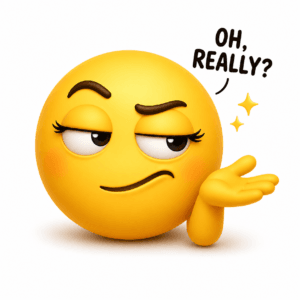 Example Design Sarcastic Emoji.
Image Source: ChatGPT
These AI prompts for emoji design are ideal for viral content.
AI Emoji Creation Prompts for UI and App Design
Useful for product design.
- “Create emoji icons for mobile UI, clean minimal style”
- “Design emoji set for chat app, consistent style, scalable”
- “Create UI emoji icons, soft colors, modern layout”
- “Design app emoji system, simple and user-friendly”
- “Create emoji pack for dashboard UI, clean and structured”
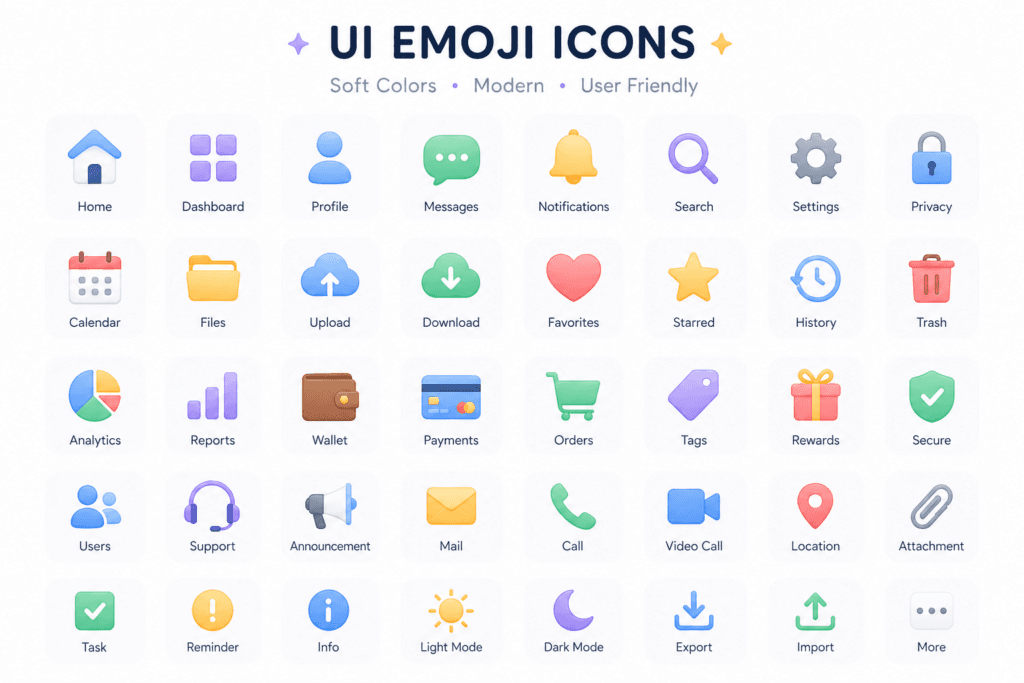 Example UI Emoji Icons.
Image Source: ChatGPT
These AI prompts for emoji design support product design.
Also Read: Generative AI Emojis for Fun, Branding, and Social Engagement
AI Emoji Creation Prompts for Experimental and Artistic Styles
Push creative limits.
- “Create abstract emoji, artistic style, bold shapes”
- “Design surreal emoji, creative concept, unique colors”
- “Create artistic emoji set, mixed styles, modern design”
- “Design expressive emoji, experimental composition”
- “Create futuristic emoji, digital style, glowing elements”
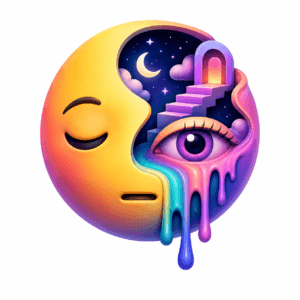 Example Design Surreal Emoji.
Image Source: ChatGPT
These AI prompts for emoji design explore new ideas.
AI Prompts for Seasonal and Event Emojis
Great for campaigns.
- “Create Christmas emoji set, festive colors, playful style”
- “Design birthday emoji, bright colors, fun shapes”
- “Create summer emoji, vibrant palette, cheerful style”
- “Design celebration emoji, confetti elements, dynamic look”
- “Create holiday emoji pack, themed design, consistent style”
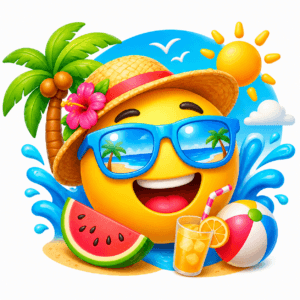 Example Summer Emoji.
Image Source: ChatGPT
These AI prompts for emoji design are perfect for events.
Tips to Use AI Emoji Prompts Effectively
To get better results:
- Be specific about style and details
- Define color, lighting, and shape
- Keep prompts clear and structured
- Test and refine outputs
Using AI prompts for emoji design effectively improves quality.
Common Mistakes in AI Emoji Prompts
Avoid these mistakes:
- Writing vague prompts
- Using too many conflicting styles
- Ignoring consistency
- Overcomplicating design
Improving these areas strengthens your AI emoji results.
Also Read: How to Use a Free AI Emoji Generator for Campaigns That Pop
Final Thoughts
Using AI emoji creation prompts is one of the easiest ways to create unique, playful, and engaging emoji designs. From branding to social media and UI design, these prompts give you the flexibility to create custom emoji sets that stand out. The key is to experiment, refine, and stay consistent with your style.
Start using these AI prompts today and bring your emoji ideas to life.
For high-quality fonts to boost your income, check out Letter Crafted. Our professional fonts are perfect for branding, marketing, and content creation. So, don’t miss this opportunity.